


Metric Store: Your Centralized Business Logic
Once you have modeled your business in our Ontology Manager, the next step is to define your business logic. Arkham's Metric Store is our centralized repository for this critical task.
It's where you define the authoritative formulas for your most important calculations—from "Monthly Recurring Revenue" to "Customer Churn Rate"—and make them available as reusable components. By defining metrics in one place, you eliminate inconsistent calculations and empower all users to work from a single source of truth. A metric is no longer a snippet of SQL hidden in a dashboard; it's a governed, versioned, and discoverable asset.
How our Metric Store Works
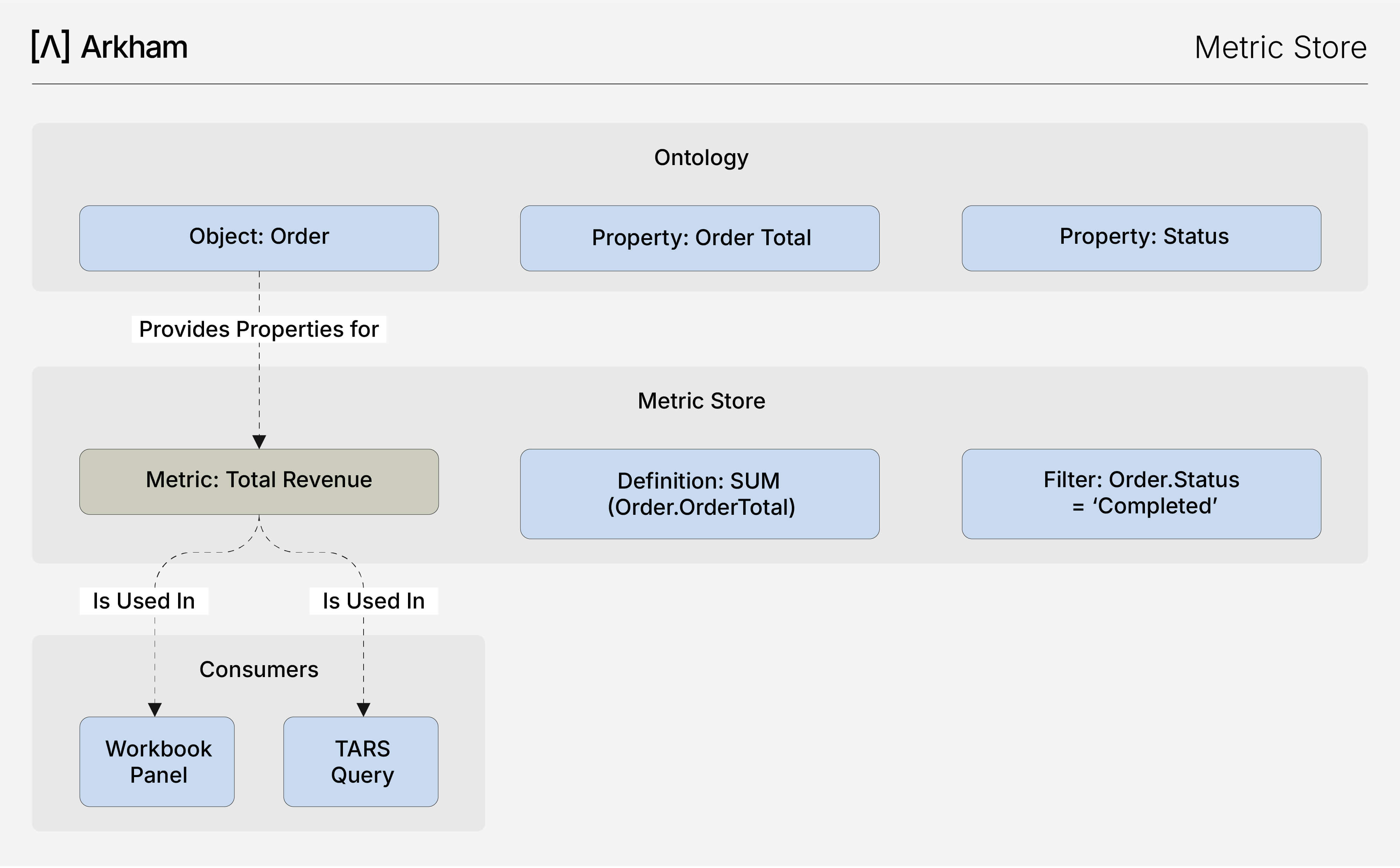
Metrics are built on top of our Objects and Properties defined in our Ontology. You create a metric by defining an aggregation (SUM, COUNT, AVG) on a specific Object Property, along with any necessary filters.
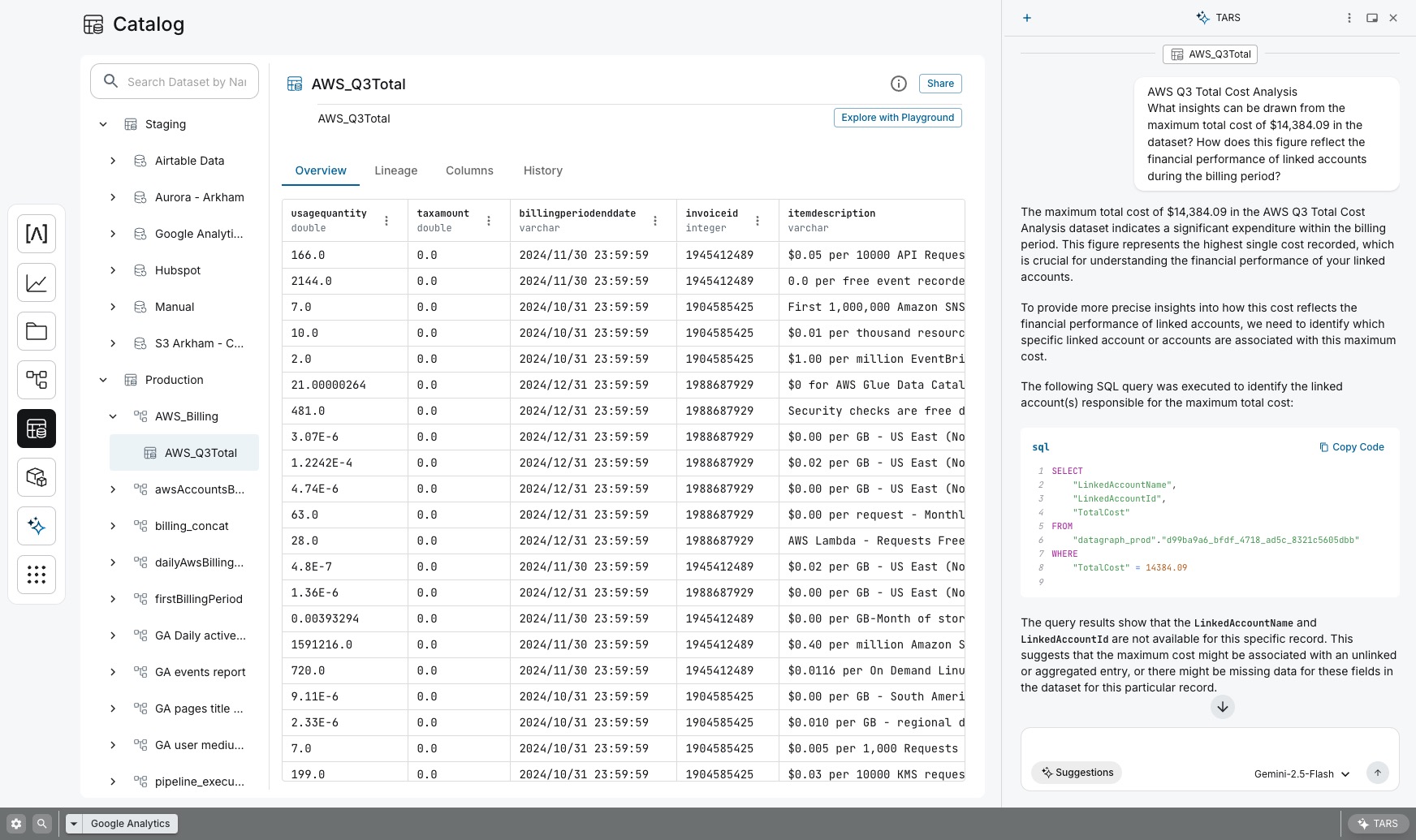
When a user inquires about a metric in a Workbook or asks TARS a question, our platform integrates queries from the Metric Store, data lineage information, and an overview of our Ontology to iteratively search and generate the correct SQL to execute on our Lakehouse.
Key Benefits for Builders
- Don't Repeat Yourself (DRY) Analytics: Our Metric Store brings the DRY principle to your analytics code. Define complex business logic once, and reuse it in hundreds of downstream applications starting with workbooks and ML models. If the definition of "active user" changes, you update it in one place, and every report is instantly and correctly updated.
- Guaranteed Consistency: Eliminate conflicting reports and organizational mistrust in data. By building all analytics from a single, governed set of metrics, everyone from the CEO to a junior analyst sees the exact same number for "Total Sales."
- Clear Separation of Concerns: Our Metric Store creates a perfect interface for collaboration. Data engineers can focus on creating robust, performant data pipelines and Objects, while business analysts can independently define and manage your business logic that sits on top.
- Agility and Speed: Analysts can self-serve and build new reports with confidence, simply by combining existing, trusted metrics. This dramatically reduces the time to value, from a business question to a production-ready dashboard.
- Automated Governance and Lineage: Every metric is a governed asset. You can see its definition, track its lineage, and understand every downstream application that uses it. This makes your analytics landscape far easier to manage and evolve.
How to Define a Metric
Defining a metric is a straightforward, UI-driven process:
- Select an Object: Choose the primary business object for your metric (e.g.,
Order). - Choose a Property: Select the property you want to aggregate (e.g.,
OrderTotal). - Define the Aggregation: Choose the aggregation function (e.g.,
SUM). - Apply Filters (Optional): Add
WHEREclauses to refine your metric (e.g.,Status = 'COMPLETED'). - Save and Publish: Give your metric a name (e.g., "Total Completed Revenue") and description, and it immediately becomes available to all users.
Related Capabilities
- Ontology Overview: See how our Metric Store fits into the broader semantic layer.
- Ontology Manager: The tool used to create our Objects and Properties that are the building blocks for all metrics.
- Workbooks: The primary consumer of your metrics for building governed dashboards.
- TARS: Ask questions about your business in natural language, and let TARS use our Metric Store to find the answer.
FOLLOW US


